
Why Consumer Routers Fall Short
Consumer routers from ISPs support 10-15 devices before performance degrades. Modern smart homes have 40-60 devices: streaming boxes, TVs, cameras, thermostats, lighting, locks, voice assistants, tablets, and phones.
Consumer routers lack traffic prioritization, so your movie buffers while competing with game streaming and camera uploads. WiFi coverage rarely extends beyond 1,500 sq ft reliably.
Enterprise-Grade Networking

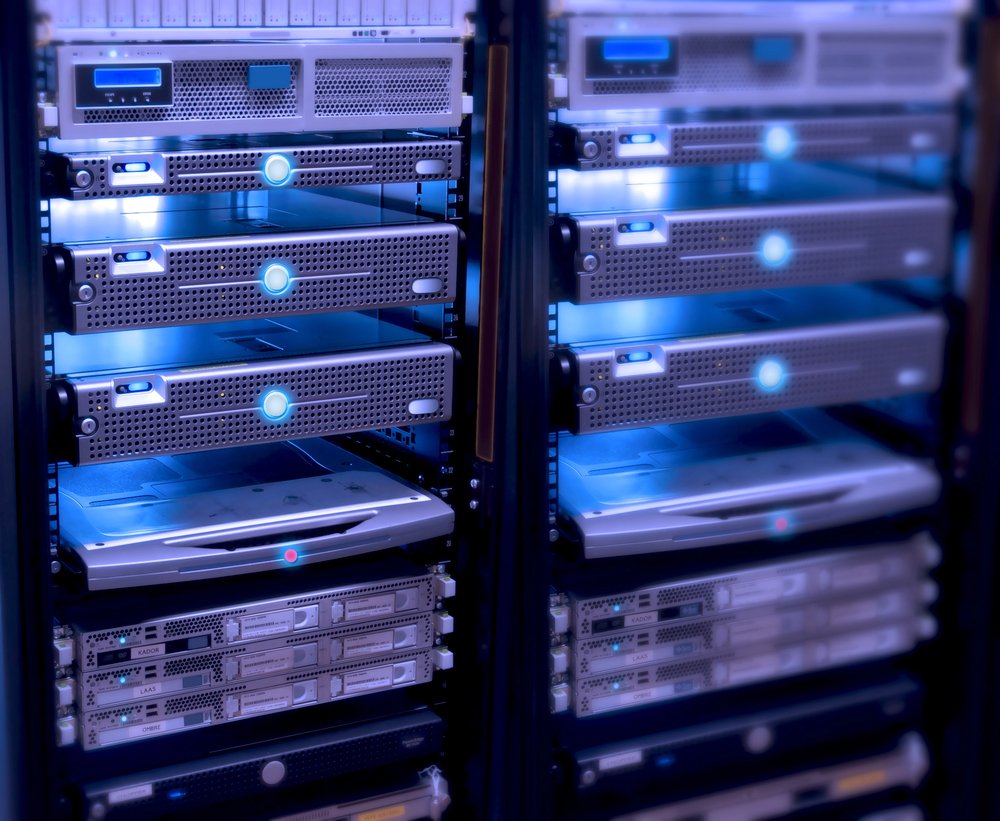
Enterprise equipment (Ubiquiti UniFi, Ruckus, Cisco Meraki) supports hundreds of devices with consistent performance.
Recommended architecture:
- Router: Ubiquiti Dream Machine Pro, pfSense (not ISP gateway)
- Switch: Managed PoE switch with VLAN support
- Access points: Ceiling-mounted WiFi 6 APs (2-4 for typical homes)
- Cabling: Cat6A to every access point and wired device
What Needs Wired Ethernet
- Streaming devices/TVs: 4K requires 25 Mbps consistently
- Gaming consoles: Low latency critical (wired: 1-2ms vs WiFi: 10ms+ spikes)
- NVRs: Four 4K cameras generate 100+ Mbps continuous
- Access points: Never use wireless backhaul
- Smart home hubs: Control4, Crestron, Savant need wired reliability
VLANs for Security
Virtual LANs segment network traffic by device type:
- Primary: Computers, phones, tablets
- Guest: Visitor devices (internet only)
- IoT: Smart home devices (isolated from computers)
- AV: Streaming devices, receivers, media servers
- Security: Cameras and NVRs (isolated from internet)
If a smart bulb gets hacked, VLAN segmentation prevents access to computers or cameras.
WiFi Coverage Planning
- 2,000 sq ft single-story: 2-3 access points
- 4,000 sq ft two-story: 4-5 access points
- Concrete/brick/stucco construction needs more APs
- Ceiling mounting provides best coverage
- Ethernet backhaul to every access point (no mesh)
Bandwidth Requirements
| Application | Bandwidth |
|---|---|
| 4K streaming | 25 Mbps per stream |
| 8K streaming | 50 Mbps per stream |
| Video conferencing (1080p) | 5-10 Mbps upload |
| 4K security camera (cloud) | 10-15 Mbps upload each |
Recommendation: 500 Mbps download / 100 Mbps upload minimum. Fiber symmetrical speeds best for cameras and video calls.
When to Upgrade
- Buffering during 4K streaming
- Dropped video calls
- Smart home devices requiring frequent reboots
- Security camera gaps
- WiFi dead zones
- More than 20 connected devices
Budget: $2,000-$5,000 for professional network infrastructure in typical Bay Area homes.